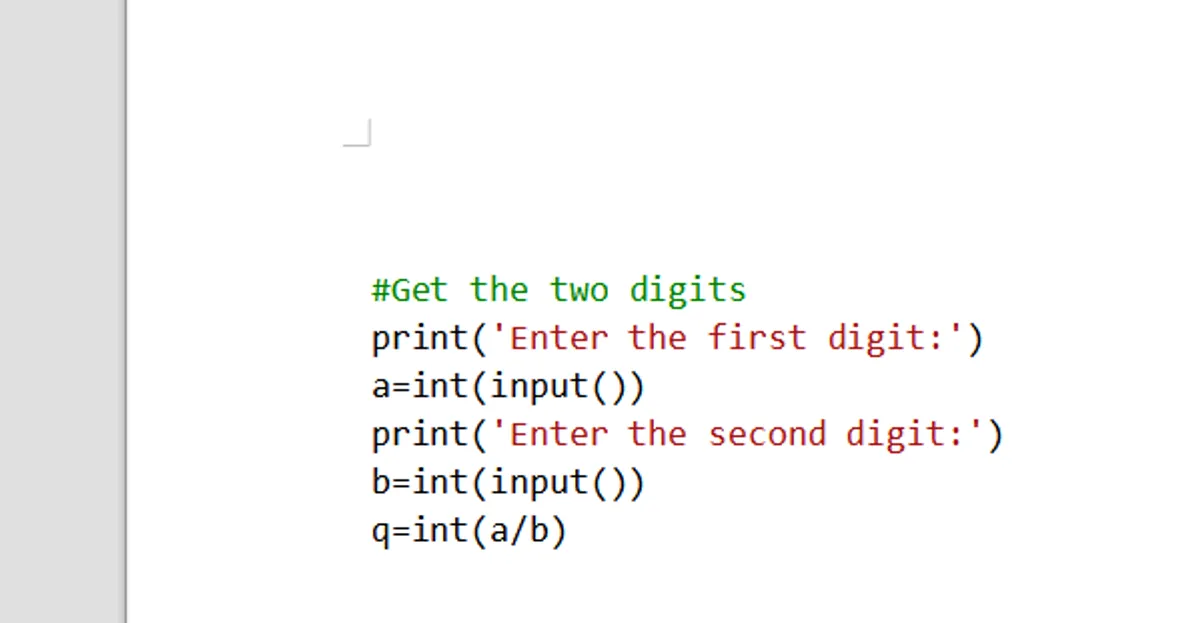
How to get syntax highlighting in a PDF?
PDF inherently does not have any way to process the text and highlight the syntax. This has to be done in a word processing software and then it can be exported as a PDF.
I use the open source Libre Office Writer for all such things. To get automatic syntax highlighting:
- Use the Code Highlighter extension for Libre Office which uses Python and a special python package called pygments to automatically perform syntax highlighting
- If you use Visual Studio code you only need to copy paste your code into Libre Office Writer and it comes with all syntax highlighting. (This is what I use)
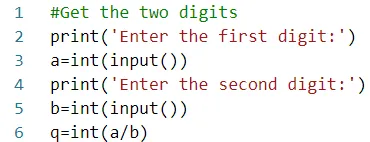
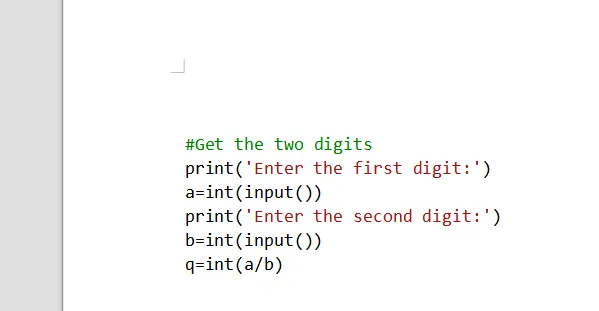
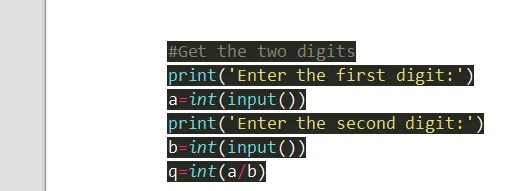
I use the beautiful Monokai theme in VSCode but when I have to copy paste things I switch to a white theme. Otherwise I’ll end up with something that looks like this 👇
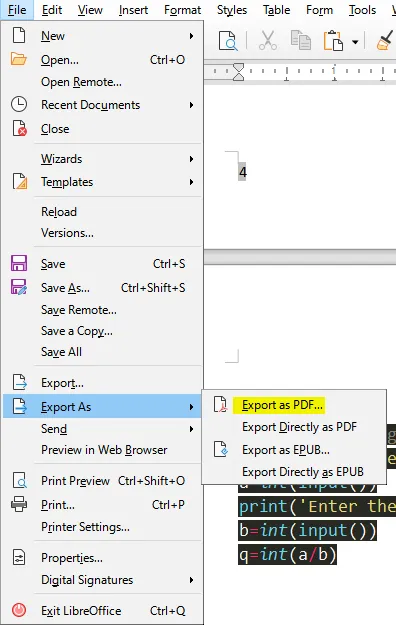
After that it’s just a matter of exporting as PDF:
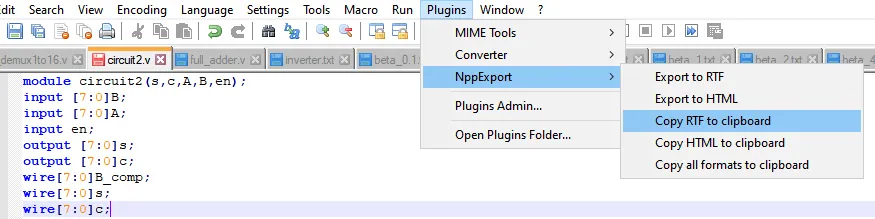
If however you use Notepad++
You can simply click on the copy RTF to clipboard option and then go back and paste it into a word document.
Comments