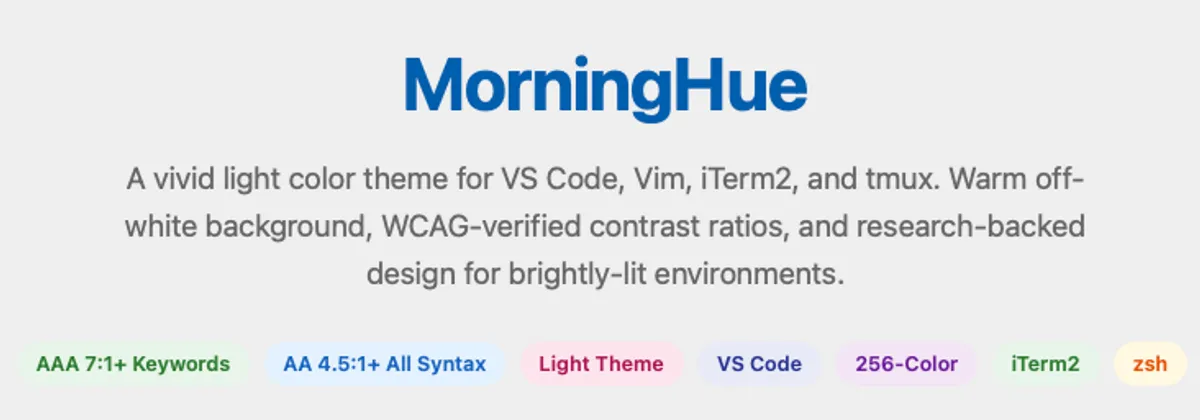
MorningHue: A Light Theme for Bright Office Spaces
Couple of weeks ago, my desk at the office got moved right next to a huge window. The natural light was great, but I quickly realized a problem. Combined with the bright overhead lighting, trying to read code on my dark monitor in that super well-lit environment was forcing me to strain my eyes.
The contrast between the bright room and the dark screen was actually giving me headaches. I needed a light theme. I soon found out - PaperColor and it became my daily driver. It’s an excellent theme (I don’t think I could have built mine without referencing it), but some colors were just too vibrant, and it turns out some of its accents were just barely hitting the WCAG AA contrast threshold. I wanted something that wouldn’t inadvertently cause more eye strain. I didn’t want just ‘bright and colorful’, I wanted contrast that followed the actual science.
So I went looking for an alternative. Nothing felt quite right, so naturally, I thought to build one myself.
I call it MorningHue.
I took the time to verify every single syntax color against a warm off-white background (#F1EDE5). Now, the most important elements (keywords, control flow) meet the AAA contrast standard (7:1+), and secondary elements comfortably clear the AA standard (4.5:1+).
Also, a lot of popular themes look stunning for web dev but completely leave out support for Hardware Description Languages. Since I write SystemVerilog almost daily, I baked in out-of-the-box support for HDL. Module boundaries, always blocks, and assertions are actually distinctly colored now.
If you’ve ever tried a light terminal theme, you might have run into the infamous “invisible text” issue with certain TUI tools. As soon as I loaded MorningHue into my xterm, I realized I couldn’t see the GitHub Copilot command line text at all 😶.
Turns out TUI tools often hardcode the standard ANSI “white” slots (color7/color15) assuming a dark background. On a light background, that text vanishes.
The fix was just remapping those standard “white” palette slots to dark values in the theme’s configuration. (I have to admit Claude Sonnet actually suggested this clever workaround to me). It works perfectly. CLI tools stay visible.
It currently supports VS Code, Vim/Neovim, iTerm2, zsh, xterm, and tmux. You can grab the source code from GitHub.
I guess I can finally sit by the window and actually code 😌.
Comments