Skimming Logs Faster: A Custom Vim Syntax for Verification Engineers
As a verification engineer, I spend a significant amount of time digging through log files. UVM testbenches and simulations can generate massive logs, and finding the relevant information quickly is crucial for debugging. Standard text editors often treat these logs as plain text, making it hard to spot errors, warnings, or specific data points.
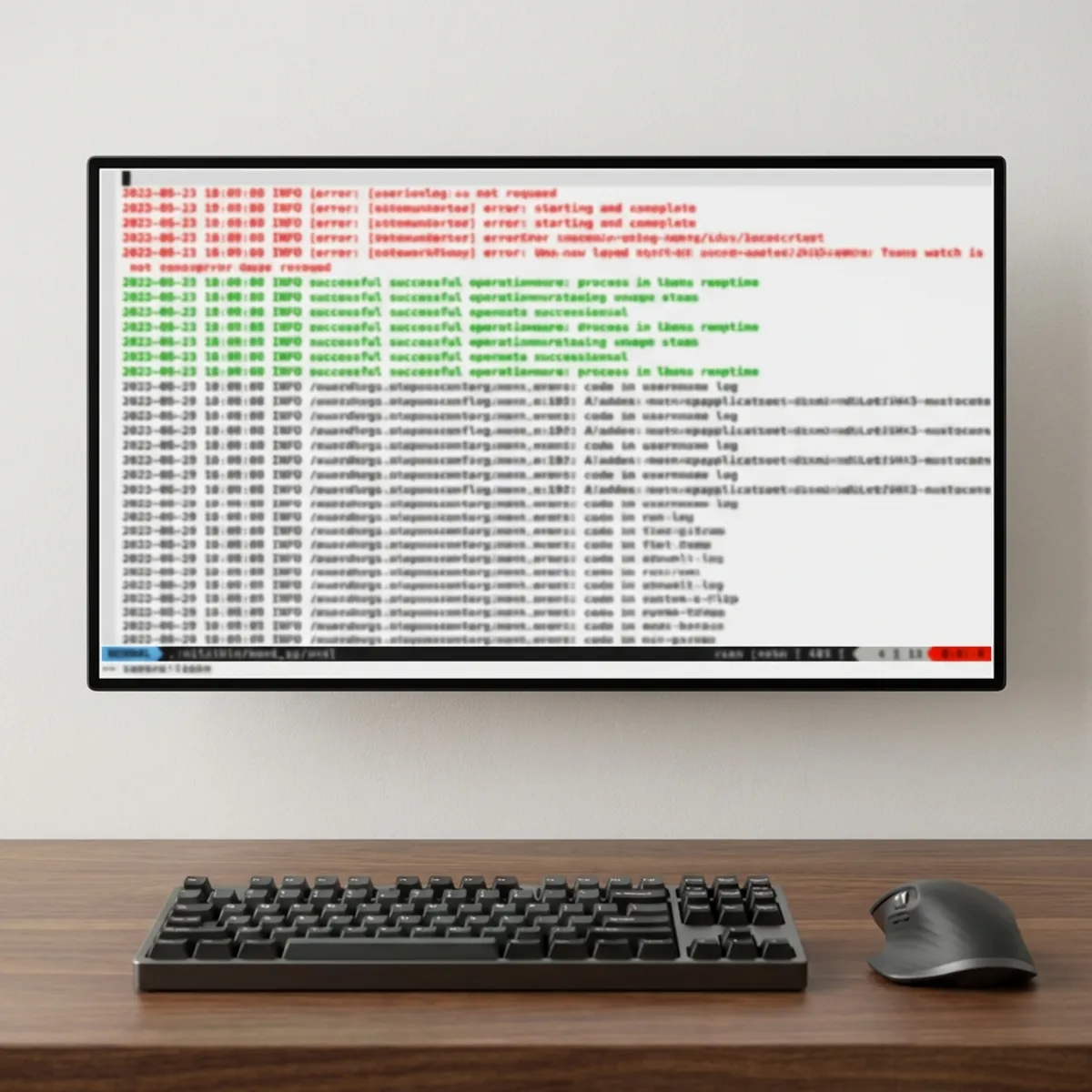
To solve this, I created a custom Vim syntax file that highlights the most important parts of a log file.
The Syntax File
Here is the log.vim file I use. It defines specific color highlighting for errors, warnings, success messages, timestamps, and UVM hierarchies.
" Vim syntax highlighting file for custom log format

if exists("b:current_syntax")
  finish
endif

syn match   log_error 	'\c.*\<\(FATAL\|ERROR\|ERRORS\|FAIL\|FAILED\|FAILURE\|UVM_ERROR\|UVM_FATAL\).*'
syn match   log_warning 	'\c.*\<\(WARNING\|DELETE\|DELETING\|DELETED\|RETRY\|RETRYING\|UVM_WARNING\).*'
syn match   log_success 	'\c.*\<\(PASS\|PASSED\|SUCCESS\|SUCCEEDED\|OK\|DONE\).*'
syn region  log_string 	start=/'/ end=/'/ end=/$/ skip=/\\./
syn region  log_string 	start=/"/ end=/"/ skip=/\\./
syn match   log_number 	'0x[0-9a-fA-F]*\|\[<[0-9a-f]\+>\]\|\<\d[0-9a-fA-F]*'
syn match   log_brackets display '\[\w\+\]'
syn match   log_date '\(Jan\|Feb\|Mar\|Apr\|May\|Jun\|Jul\|Aug\|Sep\|Oct\|Nov\|Dec\) [ 0-9]\d *'
syn match   log_date '\d\{4}-\d\d-\d\d'
syn match   log_time '\d\d:\d\d:\d\d\s*'
syn match   log_time '\c\d\d:\d\d:\d\d\(\.\d\+\)\=\([+-]\d\d:\d\d\|Z\)'
syn match   log_uvm_filepath  '[^a-zA-Z0-9"']\@<=\/\w[^\n|,; \(\)'"\]{}]\+(\d\+)\s@\s\d\+:'
syn match   log_uvm_hierarchy 'uvm_test_top\.[a-zA-Z._@\[\]0-9]\+'
syn keyword log_keyword  UVM_INFO UVM_DEBUG

hi def link log_string 		    String
hi def link log_number 		    Number
hi def link log_keyword		    Identifier
hi def link log_date 		      Constant
hi def link log_time 		      Type
hi def link log_success 	    DiffAdd
hi def link log_warning 	    WarningMsg
hi def link log_error 		    Error
hi def link log_uvm_filepath  Comment
hi def link log_uvm_hierarchy Comment
hi def link log_brackets      Define

let b:current_syntax = "log"
Key Highlights
This syntax file is designed to make specific patterns stand out:
- Errors (Red): Any line containing
FATAL,ERROR,UVM_ERROR, etc., is highlighted with theErrorgroup (usually red). This makes failures impossible to miss as you scroll through a file. - Warnings (Distinct Color): Terms like
WARNING,RETRY, orUVM_WARNINGuse theWarningMsghighlight. - Success (Green): Ideally, we want to see
PASS,SUCCESS, orUVM_INFOconfirming a test passed. These are linked toDiffAdd(often green). - Data Visibility: Hex numbers (
0x...) and standard digits are highlighted asNumber, making it easier to read register values or addresses. - UVM Specifics: UVM components like
uvm_test_top...are highlighted as comments, allowing you to distinguish hierarchy paths from the rest of the message.
How to Use It
- Save the file: Save the code block above as
log.vim. - Install the syntax: Move the file to your Vim syntax directory:
mkdir -p ~/.vim/syntax mv log.vim ~/.vim/syntax/ - Auto-detection: Add the following line to your
~/.vimrcto automatically apply this syntax to all.logfiles:au BufRead,BufNewFile *.log set filetype=log
Now, whenever you open a log file in Vim, it will be colorful and significantly easier to read!
Comments