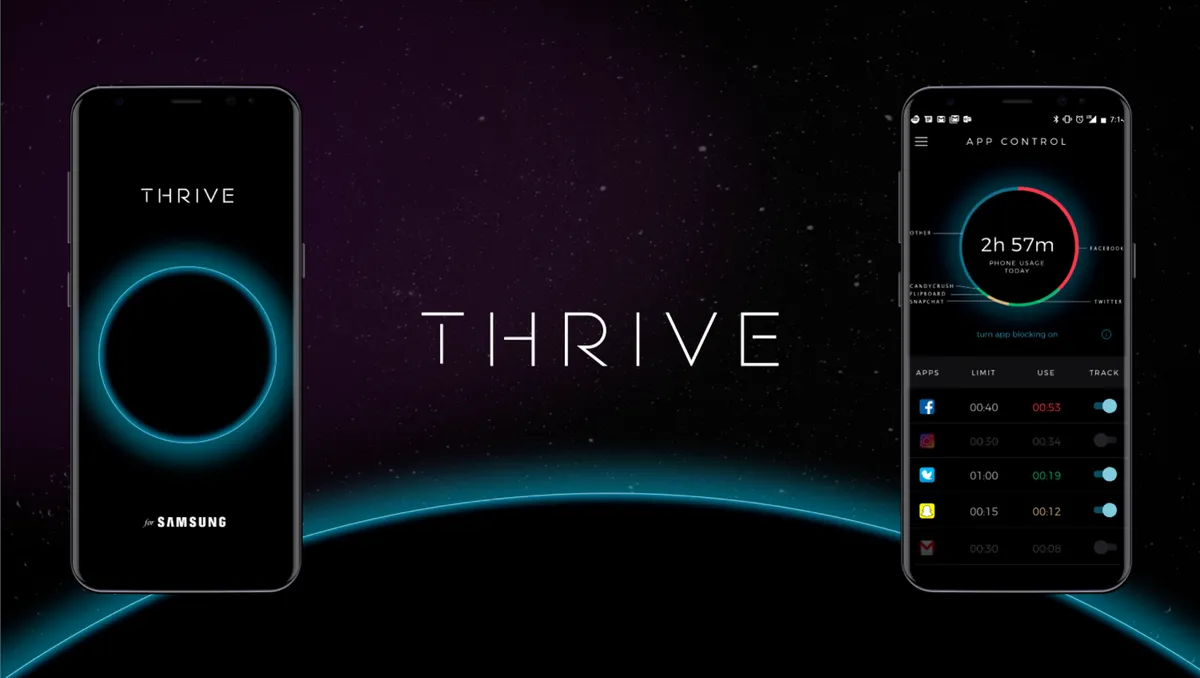
THRIVE app review
So today while searching for some app on the Google play store I chanced on an app by the name Thrive.
The catchy font was what made me open up the description of the app. It was still in the beta development stage and was clearly flagged as unstable, but the description was far more alluring than the threat posed by the instability.
I needed an app to help me digitally detox my life . One might think that it is counter-intuitive to solve a problem using something that is the root cause of the whole problem. But you gotta fight fire with fire!
So I installed the app right away and logged in. It has a lovely interface with a perfect blend of black and blue that ushers in a nice calm aura about the whole thing. To begin with, I gave the app the necessary permissions ( a host of ‘em owing to the fact that it has to block calls, handle texts, draw overlays, get app usage data, etc).
After setting up all the basic things I started a small thrive session which is simply the off-the-hook time. I started a call to the number using a spare phone I had lying around (yes the old Lumia 925 ofc :P). The call got disconnected right after the first ring and the ever monotonous ” The person you’re trying to reach is busy please try again after some time ” followed. Instantly I also got the default message :
‘I’m in Thrive mode right now. I won’t be receiving any texts,calls or notifications until 11:23 PM GMT +5:30. Sent from the Thrive app http://thr.gl
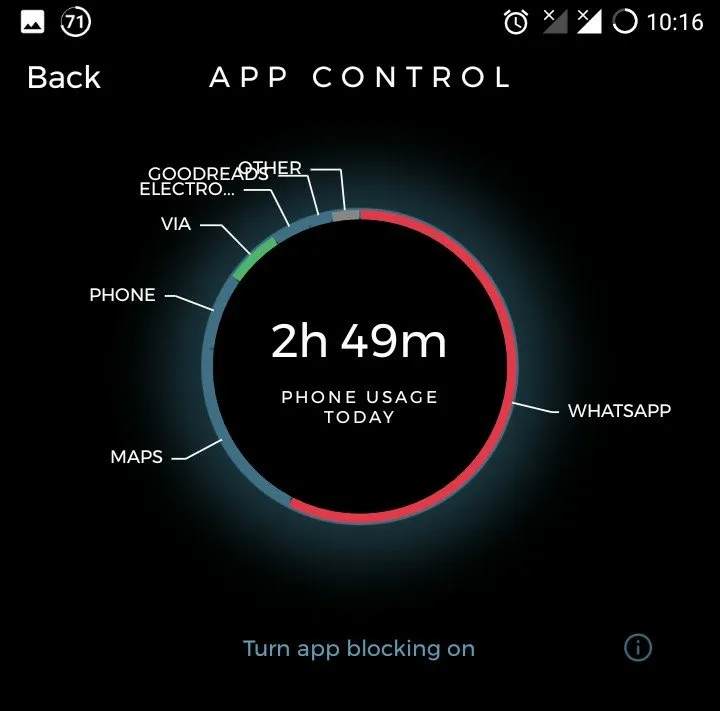
Though I could have done without the branding at the end. This was perfectly what I needed. Soon I also set up app blocking for Whatsapp and some apps. I set my quota to 45 mins (just to start with, I know I should significantly cut down on it, going forward) per day. Since I had already exhausted the day’s quota, when I tried opening the app it automatically force-closed and the thrive app came to the foreground. It said I could now access the app post 12AM only or I had to disable the app blocking feature in the settings. It’s only been a day. Works well. I will keep posting about any new developments.
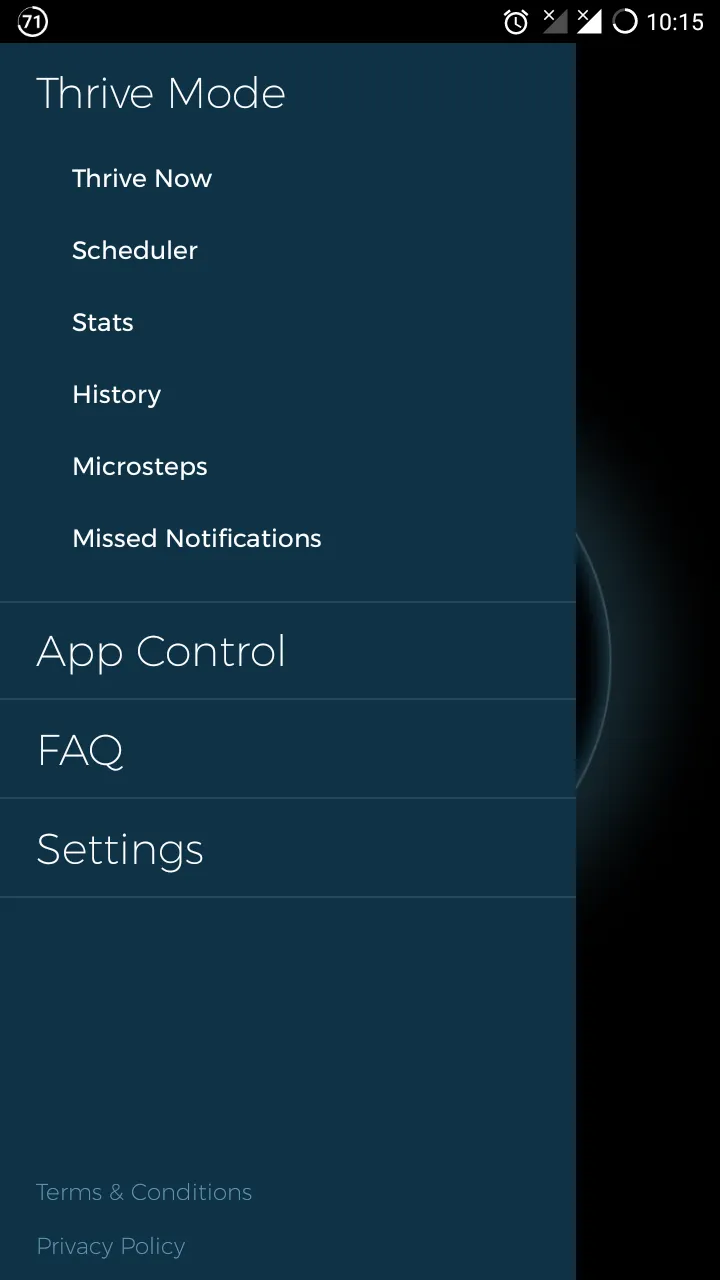
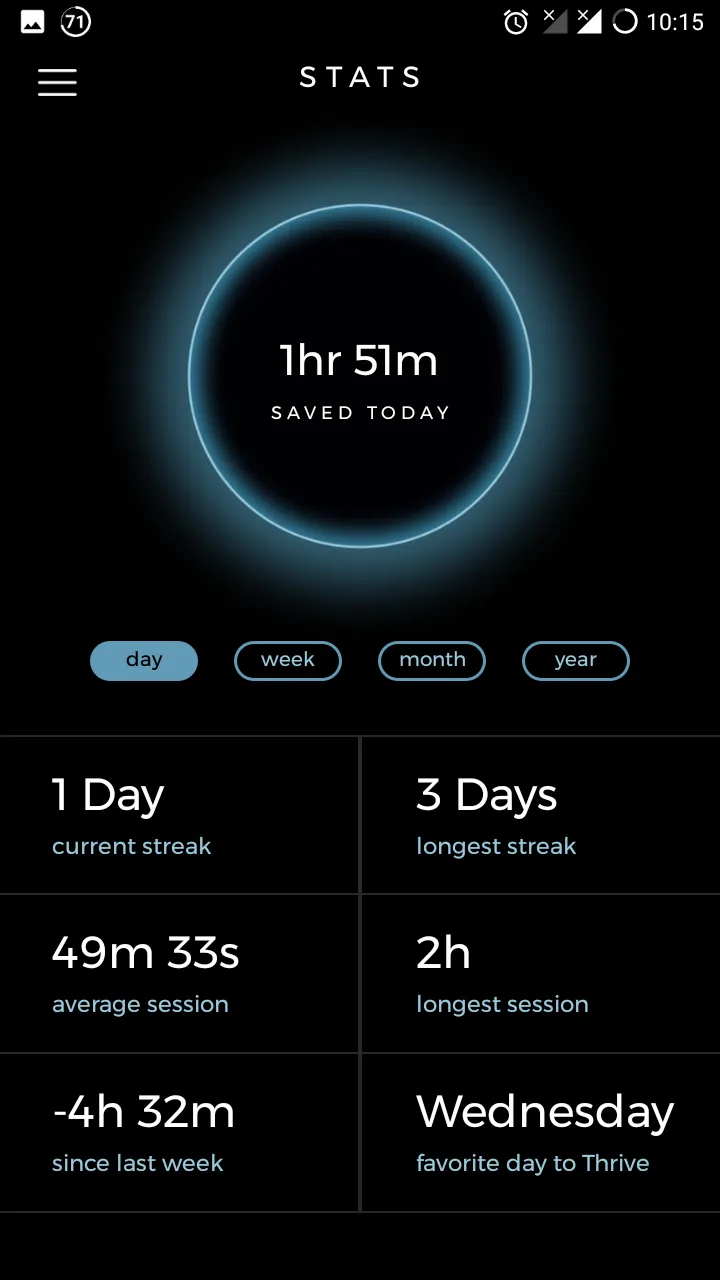
As your set thrive time elapses the black circle wanes out giving it an eclipse effect.
I still don’t know what those micro steps are forScreenshots to be updated soon!
My present app usage metrics are as follows:
Play store link to the Thrive app
Image courtesy: https://www.thriveglobal.com/stories/15380-introducing-the-thrive-app Update: 14/03/2018
I finally know what those microsteps mean.
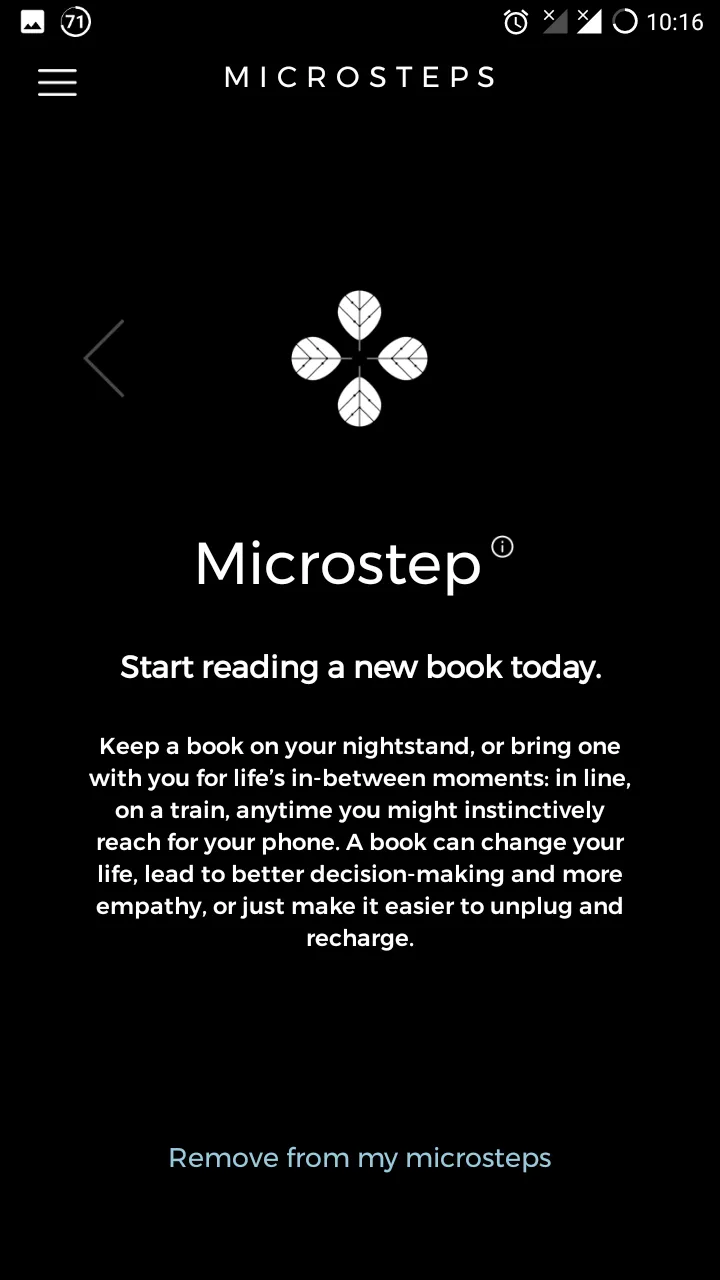
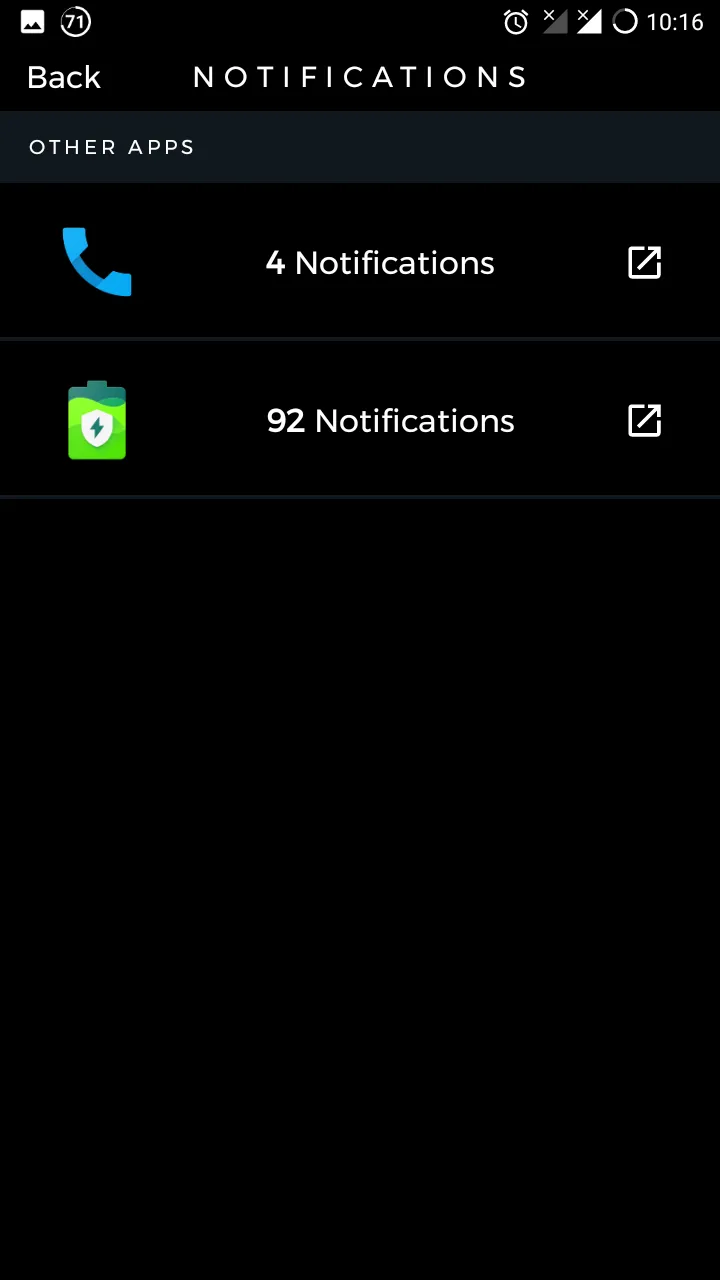
They make perfect sense now. I thrive whenever possible. The app’s not that stable. It’s blocking even some contacts on the VIP list and occasionally keeps crashing (thankfully not while in a Thrive session). It still cannot identify apps that need constant refreshing - Like the AccuBattery app that I use has an always running notification that keeps refreshing every once in a while.
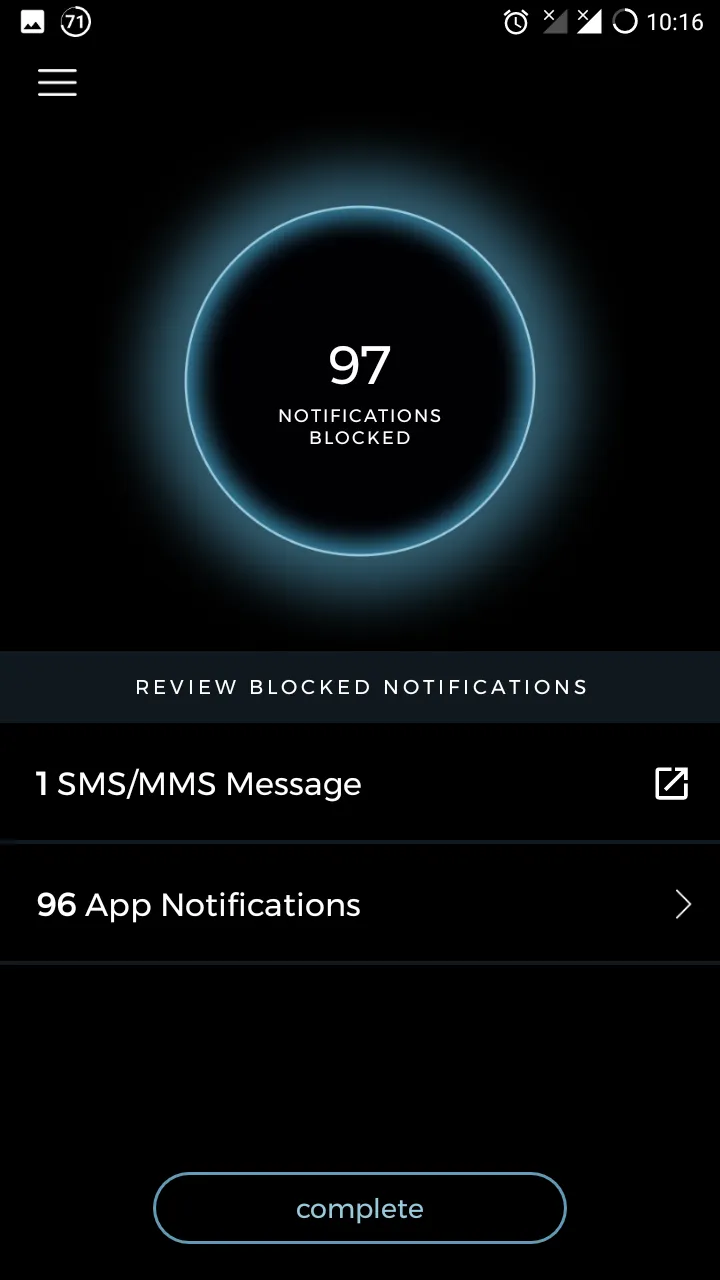
So by the time, I’m out of a Thrive session that app alone would have pushed 100+ notification alerts.
Update: 24/12/19
I tried THRIVE while it was still in beta development. After that things didn’t pick off. There were errors in the logged time and many other consistency issues. So I stopped using it.
Then months later I came across an offer on Reddit and got to know about SPACE. I moved to SPACE as they were running a survey which when completed granted pro membership of the app for life.
Thus I had all the benefits of the pro-plan at no additional cost and I haven’t looked for alternatives ever since.
Comments