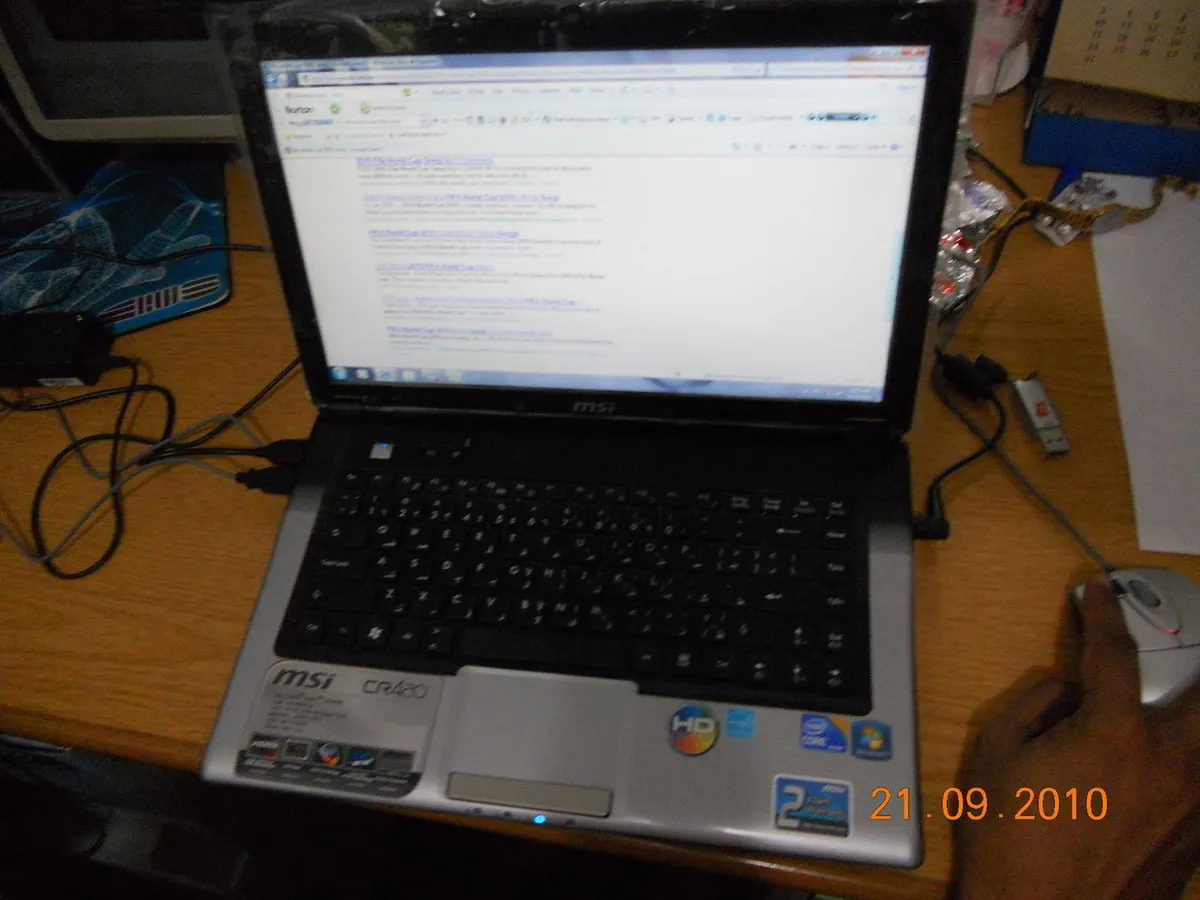
Laptop at stake!
This post has been pending for a really long time now. Finally, I got time to come back and finish up my old drafts.
This is about the MSI CR420 classic series laptop. This was bought in ~ 2010. It ran without much issues for 4+ years. After that it showed signs of overheating, battery issues and random shutdowns. It fell out of use. Finally, around 2016 it totally stopped working. It was powering up but not booting. I decided to checkout the RAM and try and reinsert it. That didn’t help. Giving this for repair would be a joke. So naturally, it ended up in my e-junk collection🤣
https://i.imgur.com/Aitye6r.png

I started by removing all the screws and nice and carefully removing the the full enclosure.
https://i.imgur.com/NxjpOor.jpg?1.jpg

The CMOS battery quickly caught my attention. That could be the issue that was preventing the boot. So I quickly got another CR2032 from a remote and put it in. That too didn’t work 🙁
It uses two 2GB RAM modules. I removed those carefully.
https://i.imgur.com/xZrfnPj.jpg

Update: I later used these RAM modules to try out an incompatible RAM upgrade with my brother’s DELL laptop. To our surprise, it really worked well and continues to run so. 😁
https://i.imgur.com/kTm26C6.jpg

I see familiar wires and connectors. So this is the WiFi adapter. I tracked those black and grey wires, it ran into the screen. This is kinda surprising.
https://i.imgur.com/Wy3ra4A.jpg

The white and grey wires running into the screen panel
I didn’t know laptops had their antennas in their screens. A google search confirmed this. Now that I think of it, perfect design strategy!
Disconnected those connectors to separate the display from the main board
https://i.imgur.com/17TGguc.jpg

Pretty impressed by their all-metal solid hinge that was still tight even after years of use.
https://i.imgur.com/yM6mDPp.jpg

https://i.imgur.com/sPlbPG8.jpg

The top view ofcourse
Extracted the DVD-RW tray out. Opening it up is worthy of another post. 🤣
https://i.imgur.com/3Vu6zjh.jpg

This is where the cooling fan was placed. Copper shielding either to conduct heat well or maybe even to guard the processor from EMI. Don’t know for sure.
https://i.imgur.com/EBjD9fc.jpg

The all famous Synaptics touch pad.
https://i.imgur.com/z7vG8Eb.jpg

Next in line is the processor itself. The image below shows the top side.
https://i.imgur.com/xkZYQYt.jpg

I removed the safety lock at the bottom and took the chip out. Beauty!😍 Yeah, now you can roast me for taking it out. 😅I’m fully aware that just opening that lock and taking it out is going to add infinite amount of dust and other tiny particles in it that’s going to render it useless. I’ve no plans of using a raw i5 🤣🤣 anyway.
https://i.imgur.com/Ih2cVzZ.jpg

The Intel i5 in all its glory 😍
https://i.imgur.com/AP94wa0.jpg

https://i.imgur.com/YNU4GsA.jpg

The white substance is the thermal paste
https://i.imgur.com/ONmql39.jpg

Intel i5
Lol, it took me a while to finally put the chip down. Next, moving on to the screen. Removed the panel.
https://i.imgur.com/JFTp2r4.jpg

Now, I finally see the WiFi antennas. Okay, so laptops have two WiFi antennas at the two topmost corners. I think I can use these antennas and connectors on my Particle Photon devices. Should try that out later.
https://i.imgur.com/ED2JMKX.jpg

This is very unlike my personal laptop’s shoddy hinge that is shown here.
https://i.imgur.com/0IxZPe2.jpg

Got two powerful neodymium magnets too!
https://i.imgur.com/q8RMawO.jpg

Comments