Using custom firmware on a WiFi router
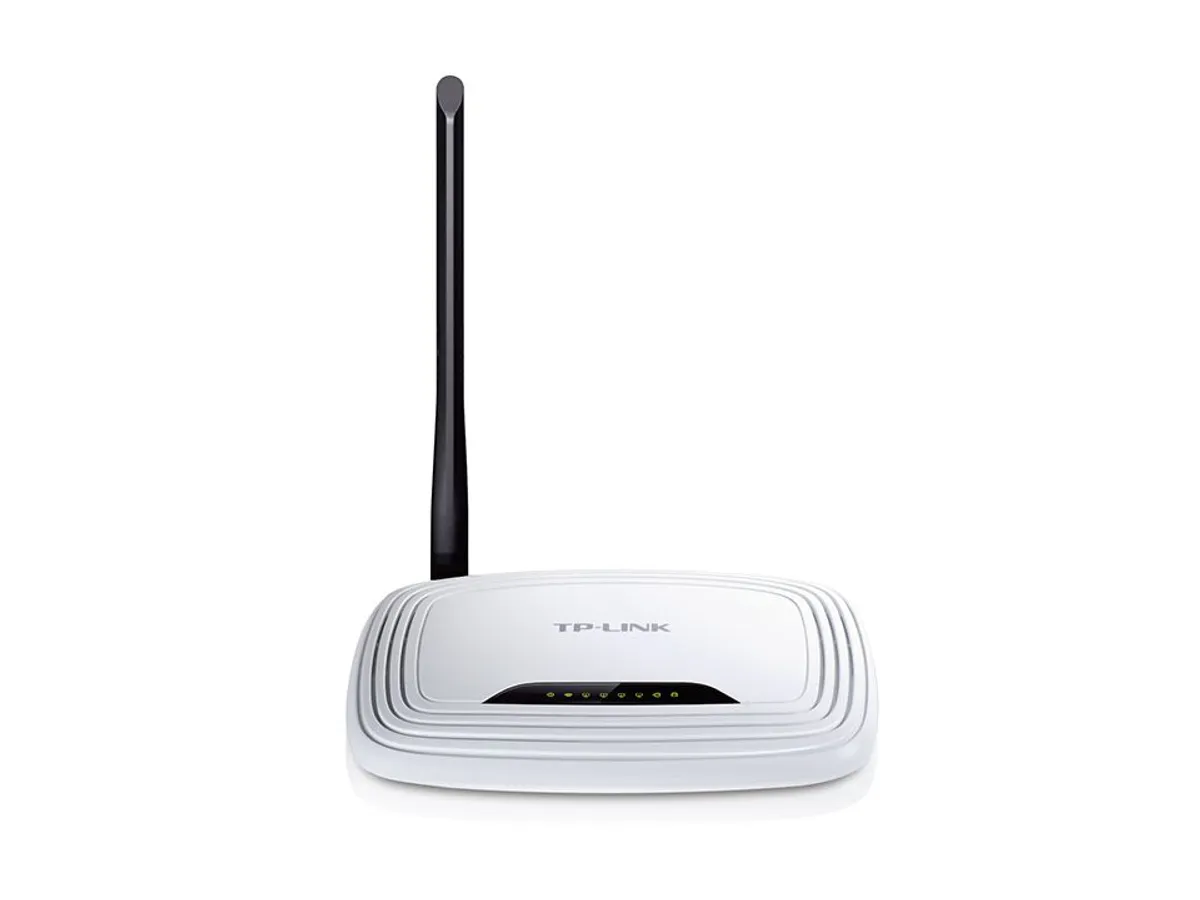
I had an old TP-Link TL-WR740N WiFi router lying around - unused. Since I have a separate D-Link router that I use for an internet connection. This automatically qualified the TL-WR740N for tinkering ;) .
DD-WRT is one popular choice and so I decided to stick with that. ( OpenWRT is another alternative out there)
Before you spend anytime on reading the instructions, it is advisable to check if your router supports DD-WRT. https://wiki.dd-wrt.com/wiki/index.php/Supported_Devices Access the router database here. (But don’t download any files that come on your router’s page in the database - they are often outdated )
Next head over to the wiki for installation instructions.
Reading the whole thing is going to take more than an hour but it’s totally worth the time. If at all something goes wrong you know what to do next.
Reading list:
- https://wiki.dd-wrt.com/wiki/index.php/Installation
- https://forum.dd-wrt.com/phpBB2/viewtopic.php?t=51486
- https://wiki.dd-wrt.com/wiki/index.php/Hardware-specific
- https://wiki.dd-wrt.com/wiki/index.php/Recover_from_a_Bad_Flash
I didn’t use the latest build over worries of instability. It’s safe to use builds that are at least a couple of months old.
Download latest firmware from here : ftp://ftp.dd-wrt.com/betas/
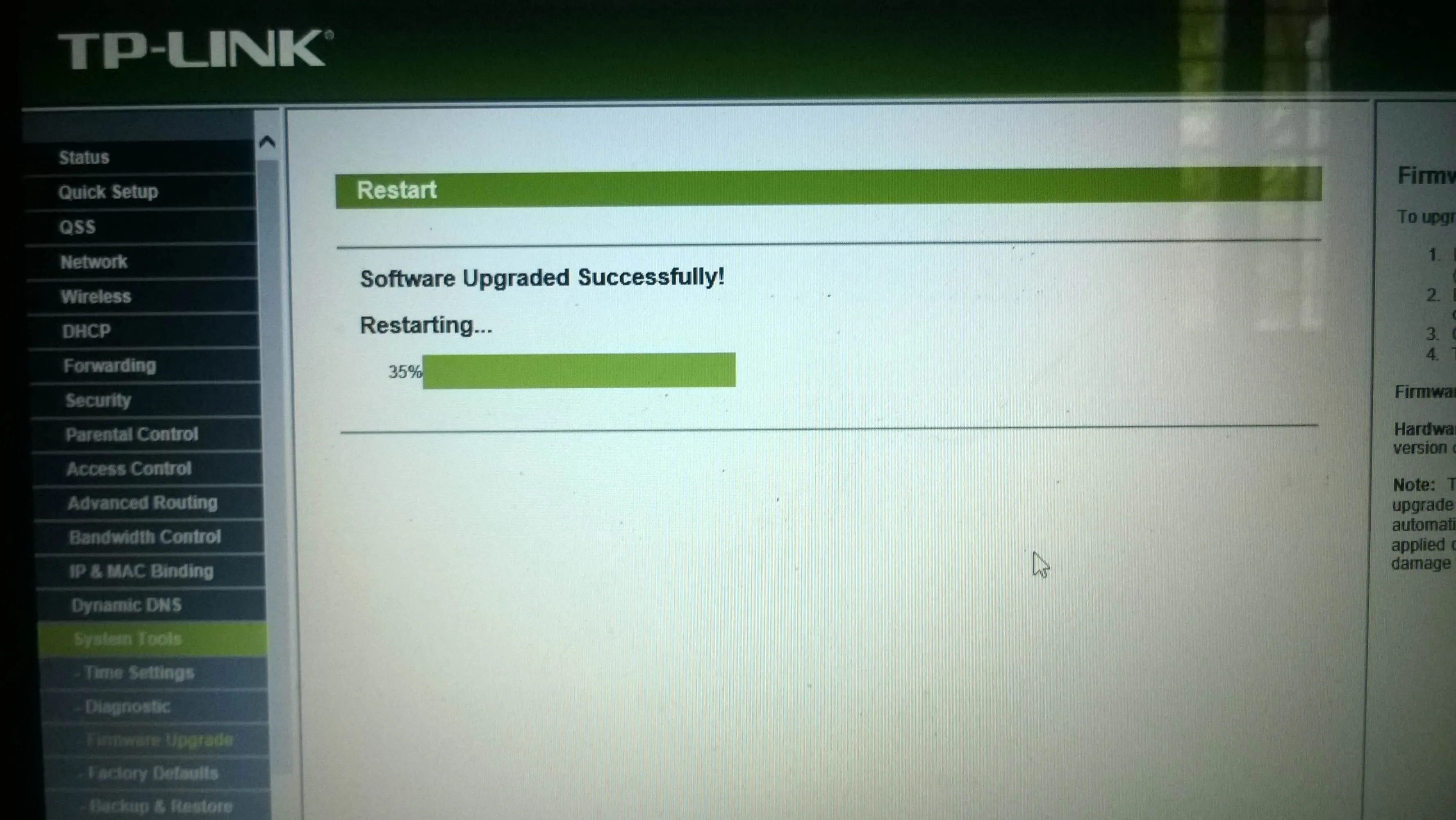
Flashing
The new firmware :

Things I did with the new custom router:
-
Use it as a repeater for the main WiFi
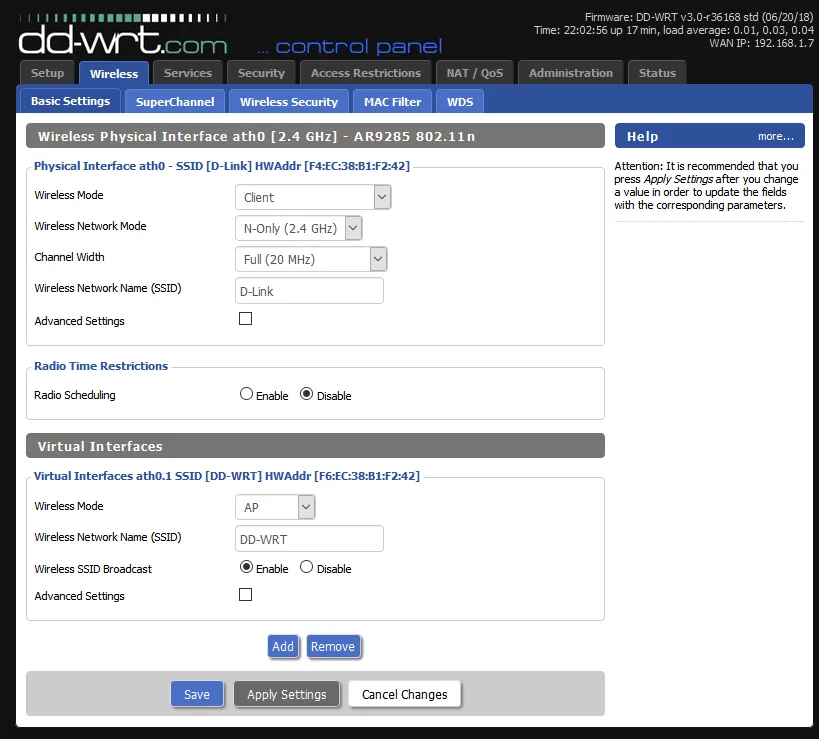
Running it in client mode and setting up a virtual interface so that the TP-Link router can also be an access point. This helped increase the range of the WiFi by a large margin. The improved siganl quality also meant lesser errors while transmission => faster.
-
Changed the DNS to 1.1.1.1 -> Cloudflare’s DNS Which is ranked the fastest free DNS out there and reportedly better than even Google’s Open DNS 8.8.8.8
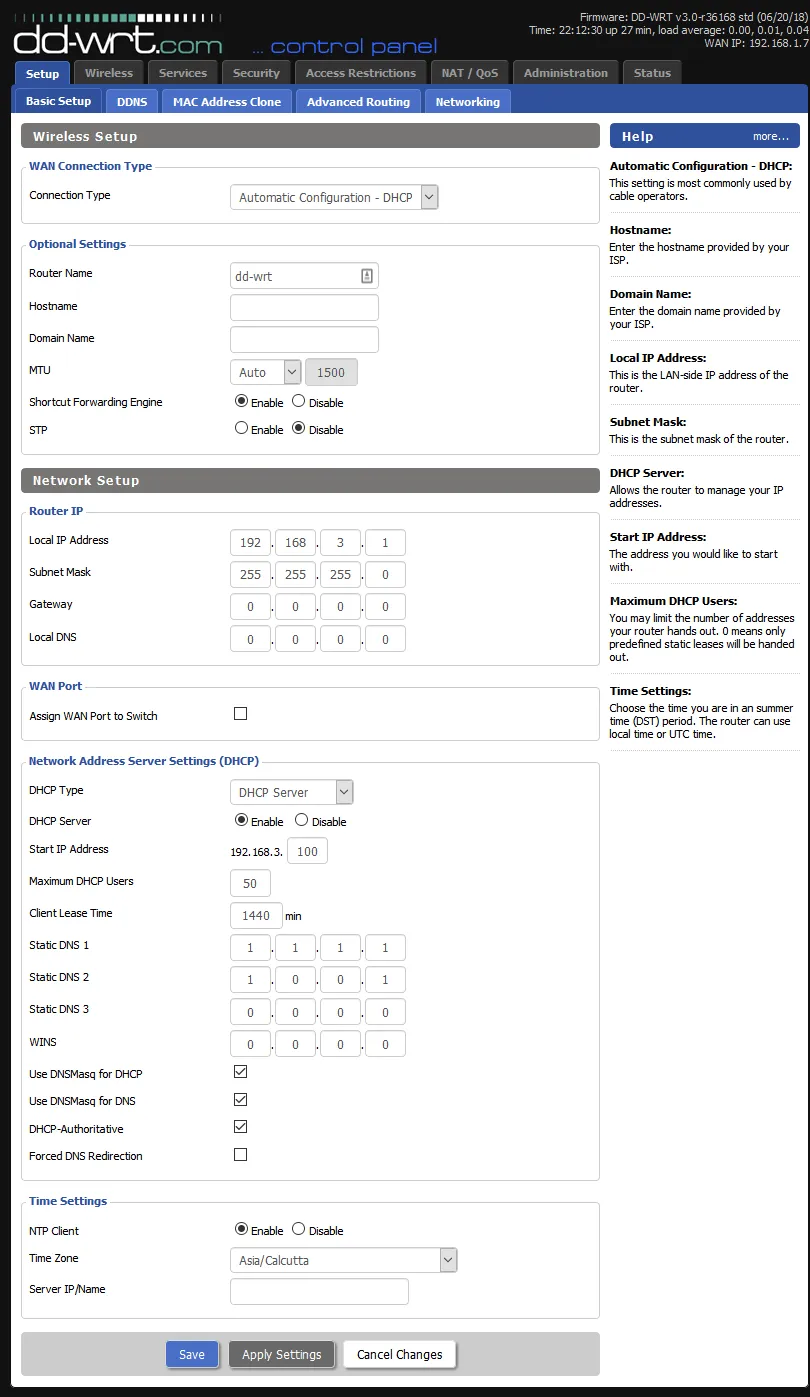
There are hundreds of other cool things that can be done with the custom firmware. I’m still exploring the tricks out there.
The status page lists some cool stats.
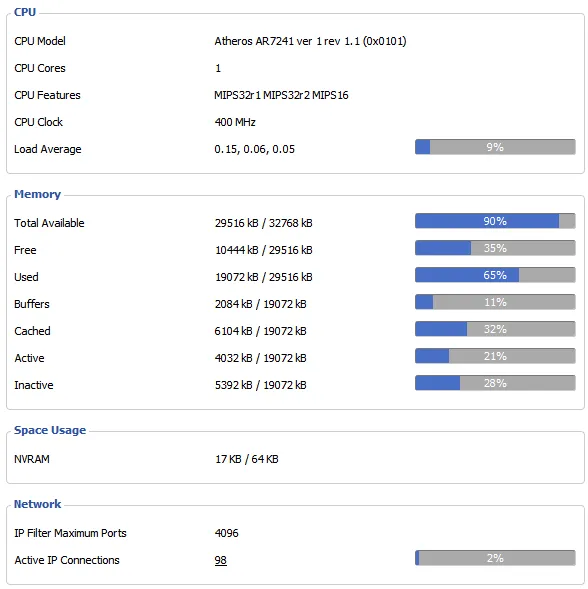 More updates later.
Comments