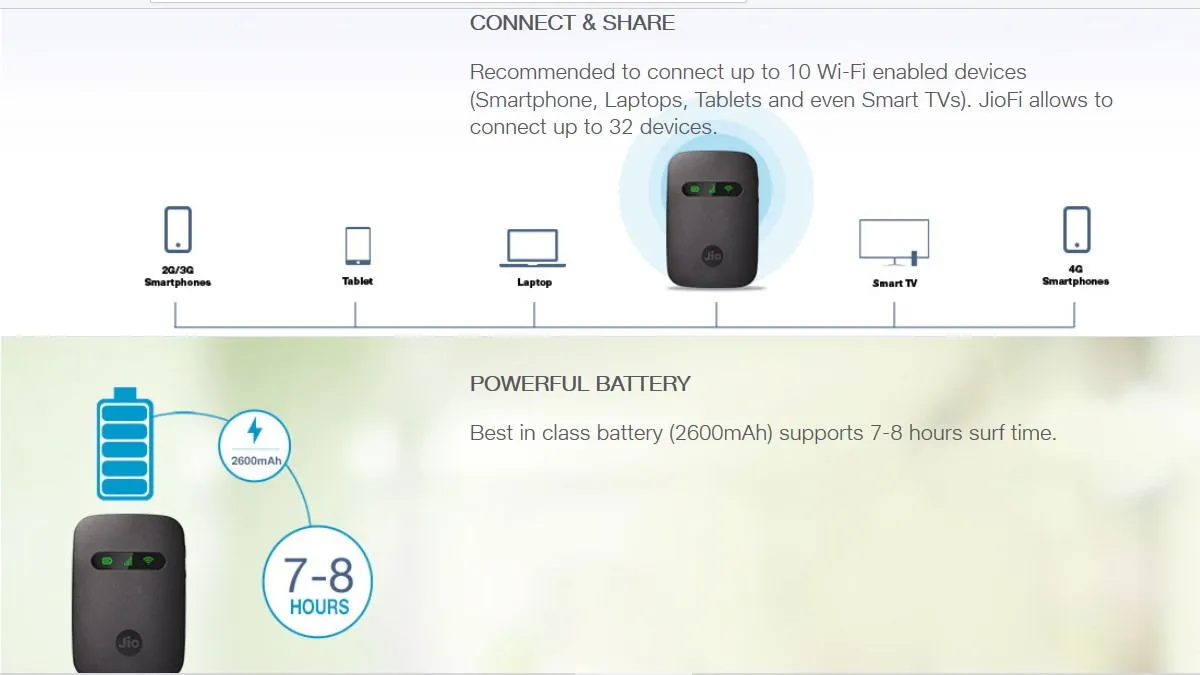
JioFi WiFi dongle range extender
After the no. of WiFi devices at home grew in number I was beginning to see a drastic drop in speed and performance of the JioFi router. Though it theoretically can support upto 32 devices it’s literally useless with anything above 11 or 12 devices constantly in use. The image below shows the no. of clients on the network. This screenshot shown is that after setting up the extender. So it can be seen that all the connections are ‘Dormant’ and only one device - the WiFi range extender router is actually connected to it.
https://i.imgur.com/FNTfSTP.jpg

Now, more details on how to get this done:
First connect to the WiFi device
In your browser open the following link :
Find your router’s local IP address
This is given as the Gateway IP on the login page. You can also login to see more details and the client list. The default login username and password is admin
https://i.imgur.com/2OX3l47.jpg

Then connect to your required WiFi router and setup repeater bridge
I have a TP-Link WR740N v3 WiFi router that I will be using to extend the range of my JioFi dongle. The router can only act as a host with the stock TP-Link firmware. Inorder to get additional features we have to run custom firmware like DD-WRT or OpenWRT(open source). I had already installed DD-WRT on my router before. More details here.
I did a 30-30-30 hard reset followed by updating the dd-wrt firmware to a 2020 build. Look at the following wiki to tweak the settings based on the processor of your router. Mine is the Qualcomm Atheros one - the setup was quite easy for that. Instead of a repeater bridge I had to use a Client Bridge followed by creating a virtual interface to connect to.
Ref: This wiki post
https://i.imgur.com/wR8jr6h.jpg

Setting the router as a client bridge helps you to access both the JioFi dongle and the WiFi router on the same network with different IP addresses. The default JioFi IP address is 192.168.225.1 while for the TP-Link router I set a different IP in the same subnet but outside the DHCP range.
So thus the JioFi only assigns local IPs to the individual devices while all communication takes place through the much faster TP-Link WR740N router.
After shifting to this extender, I have now kept the JioFi device at a place with maximum cellular signal strength and the repeater bridge easily provides WiFi at good strength to all devices at home. There is also a noticeable improvement in speed now. At least I’m sure that the signal strength is good enough that no delay is caused by avoiding packet loss or sending packets over again by CSMA/CA protocol used in wireless networks.
Also check out my post on WiFi RSSI(Received signal strength indication) testing to test your routers.
Comments