Arduino workarounds and tips

Note : All references made with respect to the Arduino Uno
🚩 When you don’t have enough digital I/O pins
You can very easily run out of digital pins even with a simple project. There are also quite a number of different ways to deal with it, each method having it’s own limitations. Here are a few:
-
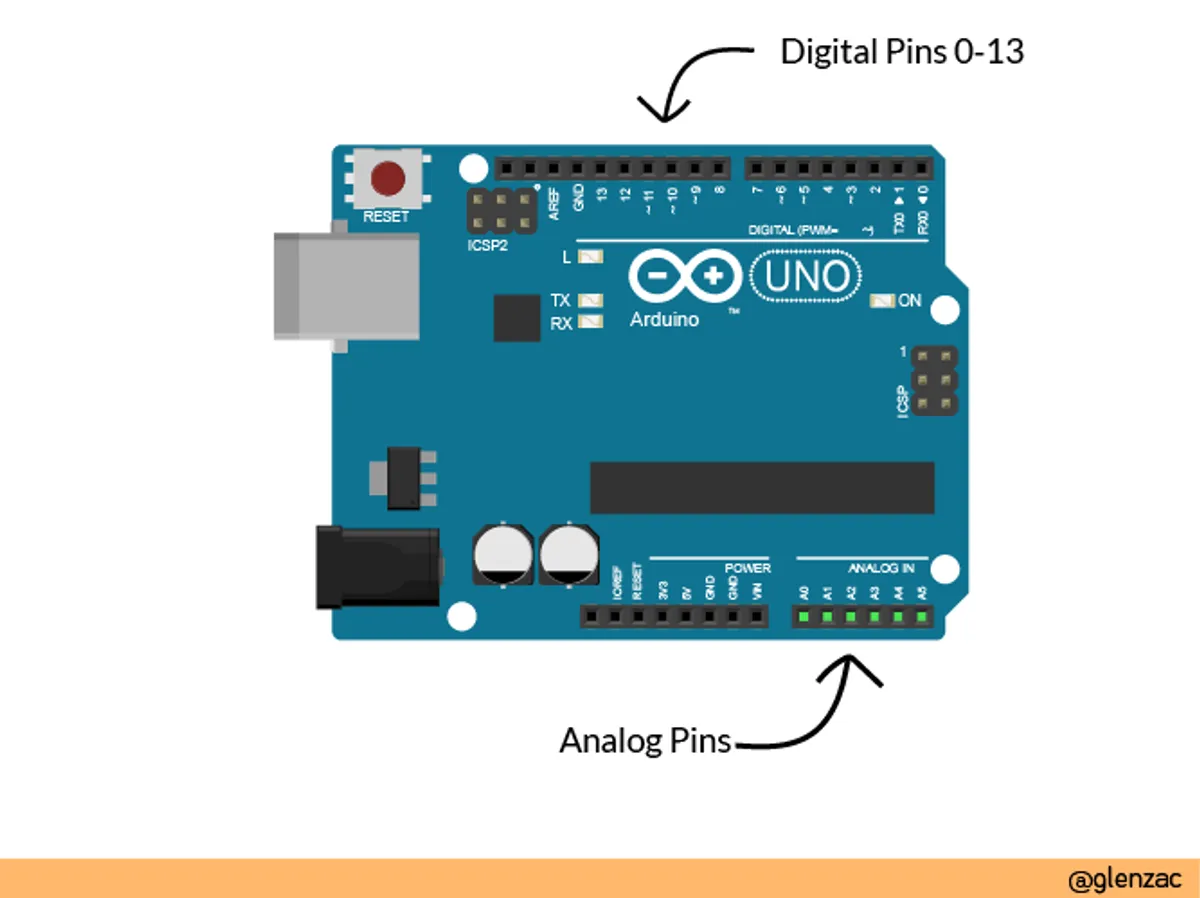
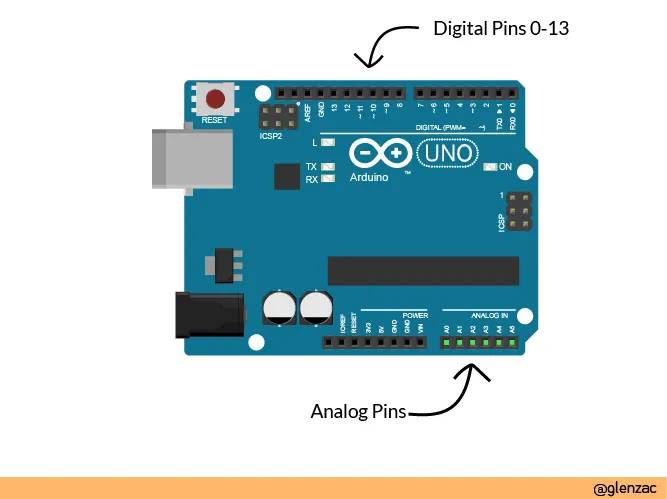
Use the analog pins - This is a classic one. It might sound absurd at first, but the analog pins on an arduino can be used as digital pins. The only thing you need to do is refer to them with pin numbers 14 -19. So pin 13 will be the digital pin and pin 14 will be the physical pin A0 which will be used as digital pins.
-
Use a shift register IC - Using a SIPO (Serial In Parallel Out) IC like 75HC595 is another common way to increase the number of pins with a bit more added complexity. ??? But you can’t use this ports as digital input though. 74HC595 is a 8 bit shift register so you get 8 digital lines. But to control the shift register yuou need some pins of the arduino - 3 to be precise (not including the power connections). So in effect we get 5 additional pins for every IC. If you want even more pins you need to cascasde two shift registers. People have made libraries and now it’s too easy to work with.
-
Charlieplexing - AFAIK you can only use this method to control a large number of LEDs or segmented displays with minimum pins. No. of pinsMax. number of LEDs102236412520630742856972109020380401560_n__n_ 2 − n To understand how charlieplexing works we need to know more about the pins on a microcontroller. The pins can be either set as OUTPUT pins or INPUT PINS. When set as OUTPUT, it can be either HIGH or LOW. When set as INPUT, the pin takes in digital input, and it is in a high impedance state which means it draws very little current. Charlieplexing takes advanatage of this third state of the microcontroller pins (tri-state logic) to significantly increase the number of LED’s we can control with pins.
-
Use an I/O port expander IC - IC’s like MCP23008 (get 8 more I/O pins) or MCP23017 (get 16 more I/O pins) can be used. Existing libraries make using this IC a breeze. Libraries: MCP23017 MCP23008
🚩 When dealing with speed
When you’re designing a complex system and different delays accumulate to make your system slow. In such cases you might wanna look into making things faster by :
- Manipulating ports using bitwise operations
Arduino Reference : https://playground.arduino.cc/Code/BitMath
- Avoid using delay( ) This article briefly introduces the basic concepts https://www.makeuseof.com/tag/arduino-delay-function-shouldnt-use/ and this one here covers things in detail https://playground.arduino.cc/Code/AvoidDelay
⚠️ ------Work in progress---------- ⚠️
Comments