1.3 Buttons
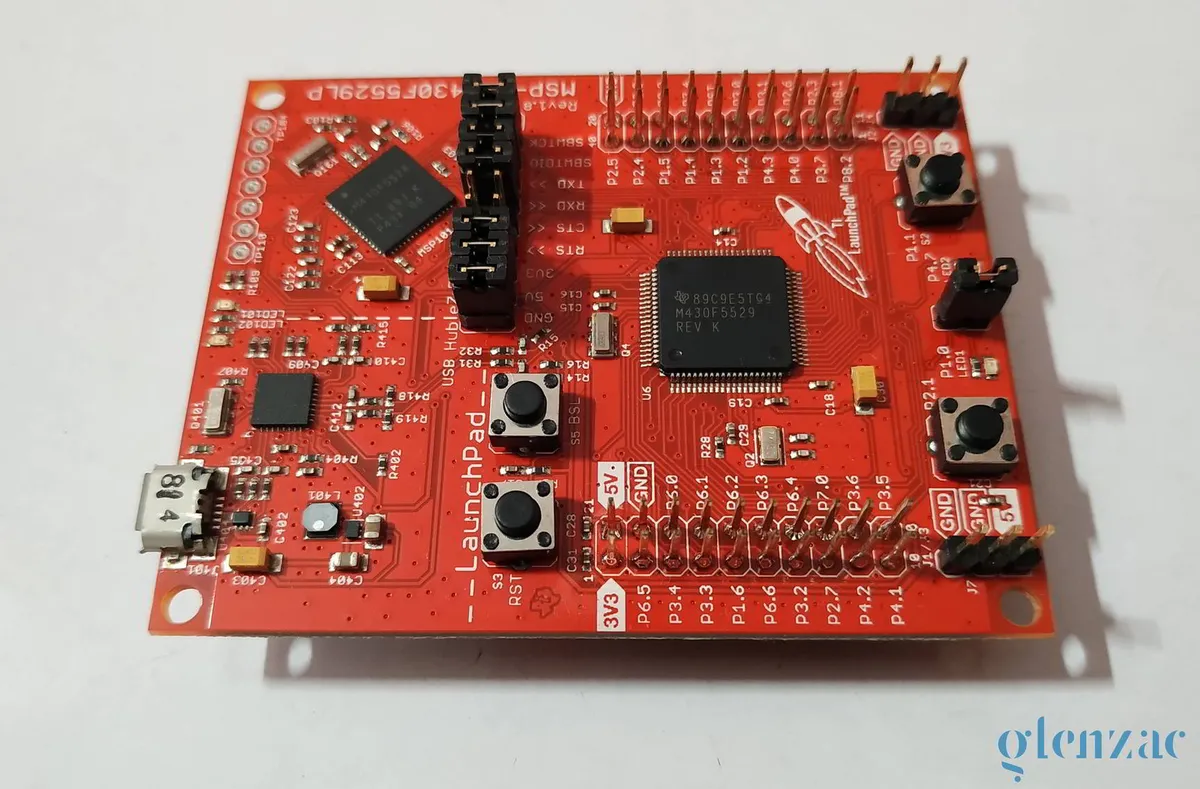
In this lesson we will see how to turn on the LEDs with the press of the onboard buttons, instead of blinking them automatically. The LaunchPad has 2 onboard LEDs and 2 buttons that we will be using.
This post assumes that you know how functions in C work. It is very much the same as in other languages. Here we have 2 functions called switch1() and switch2(). These two functions keep on checking if the inputs at the buttons are HIGH or LOW. If you remember the buttons schematic you’ll know that we have pulled up the pin to VCC and we have pressing the push button grounds the pin. In the int main() we have the initialization of the respective pins. In the infinite while(1) loop we simply keep calling both the functions. This method of continuously checking if the buttons are HIGH or LOW is also known as polling.
/*
 * Created on Sat Jul 11 2020
 *
 * Created by: Glen Zachariah
 * For more: https://glenzac.wordpress.com
 * License: CC0 1.0 Universal
 *
 * For MSP430F5529LP
 * --------Hardware------
---
 * LED1 -> P1.0 (Red)
 * LED2 -> P4.7 (Green)
 * Button S1 -> P2.1
 * Button S2 -> P1.1
 * ----------------------
---
 */

#include <msp430.h>

void switch1()
{
    if(P2IN & BIT1)
        P1OUT &= ~BIT0;
    else
        P1OUT |= BIT0;
}

void switch2()
{

    if(P1IN & BIT1)
        P4OUT &= ~BIT7;
    else
        P4OUT |= BIT7;
}

int main(void) {
    WDTCTL = WDTPW | WDTHOLD;   // Stop watchdog timer

    P1DIR |= BIT0;              // Set P1.0 as OUTPUT
    P4DIR |= BIT7;              // Set P4.7 as OUTPUT
    P2DIR &= ~BIT1;             // Set P2.1 as INPUT
    P2REN |= BIT1;              // Enable P2.1 pull up/down configuration
    P2OUT |= BIT1;              // Set P2.1 as INPUT
    P1DIR &= ~BIT1;             // Set P1.1 as INPUT
    P1REN |= BIT1;              // Enable P1.1 pull up/down configuration
    P1OUT |= BIT1;              // Enable pull up on P1.1

    while(1)
    {
        switch1();
        switch2();
    }
    return 0;
}
Polling the buttons is not a very effective way to read inputs. This is because the CPU has to constantly read the data in the registers corresponding to the pins and check for changes. This is a much more elegant solution than this, using interrupts. We’ll discuss that in the text lesson.
Comments