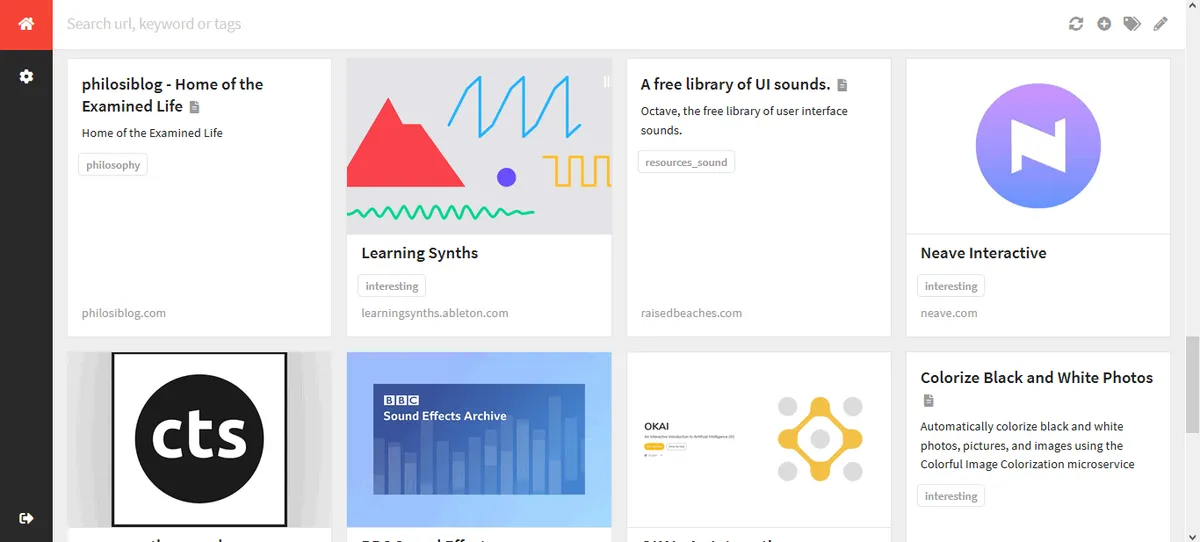
Open source Bookmark Manager - Shiori
TL;DR : 🦘 Jump right to the content
A bit about the bookmark tools that I’ve used earlier
For the past six years, I carelessly hit the star icon in my browser window whenever I came across interesting websites. Let alone tagging them, I didn’t even save them in different folders. There was just one default folder and it was overflowing with bookmarks. Even if I wanted to temporarily close my browser without losing my tabs, I used to bookmark them. 🤦♂️
Then came Toby, a good browser add-on to save tabs for later. It was working fine, just that it didn’t serve the purpose of a bookmark manager. It was more of a presently-useless tab manager. After I made the shift to Firefox, I again got Toby here, but I could no longer drag and drop tabs into the different categories (Firefox limitation?). So I scrapped Toby and went looking for the next best alternative and found OneTab. It was a great browser add-on. With me working on multiple parallel projects, I could easily switch between sets of tabs and send all the current ones to be stored in OneTab. Yet again, I kept accumulating tabs and saving sessions that I never went back to. Slowly, it started having a toll on my browser. Startups were taking longer than normal. I was still making plans to delete many of the saved tab sessions. Before I got to that point, there was one incident that made me uninstall OneTab without any more thought. 😐
That incident ofc 😂: So I was working alongside a team of Graphic designers for a big state level annual event in my city. One of the tasks assigned to me was to design a huuugggggeee poster (flex) that was to be used on the stage dividers. The given dimensions were nowhere near the ones I was used to. This was in several 10s of metres long (I don’t remember exactly). Thankfully, they only needed an abstract pattern that was related to the theme, to be filled into the huge canvas. The hardest part was managing the file sizes. Setting the correct dimensions gave me a design file of several GBs and all my 8 gigs of RAM was needed to process it. The worst part about this was that the event was supposed to happen the next day and they had specified the works just one day in advance and they were planning to print it in the morning. 😶 So getting the designs were super - critical. The work didn’t get over at their co-working space so I promised to get it done by night and send it over. Things didn’t go as planned, I had grossly underestimated the huge file and by the time the design was done they had already called me several times asking about the progress and I assured them that I’ll only sleep after uploading it. By the time everything was done it was 2 a.m and I had managed to compress the file to about 1 GB or so. Then I put it up for uploading. Murphy was doing his job, my uploads were damn slow. It was showing more than an hour to upload. So I thought I’ll leave the laptop on and let it upload, anyways it didn’t need monitoring. Satisfied with the work, I slept in peace.😌 When I got up at 6 in the morning and checked the upload progress, I found that OneTab had killed that tab after 45mins or so of no activity . 😳 I had a hard time that day convincing people about what went wrong and I had to reach the venue early, just to hand over the file in a USB. That very evening I exported all the tabs to some text file and uninstalled OneTab. 😂
I decided to stop looking for tab managers, I no longer wanted add-ons to control my tabs or snooze them. I then found Raindrop on ProductHunt. It looked exactly like the thing I needed. I exported all my bookmarks from Firefox to Raindrop. Took some time to sort out the stuff and put it into folders and make it look nice. Eventually, this too didn’t work in the long run. The add-on was too slow. If I had to store something, I had to click the raindrop addon button, wait for it to look up its servers and then list out my folders and then I had to choose the right one and click Ok - All this just to save a link. It was not worth the pain and I had slowly drifted back to the star button on Firefox.
Shiori - The Simple Bookmark manager
Last weekend, I spent a whole day going through thousands of my bookmarks that I had amassed over the last 6 years - filtered out the irrelevant ones, removed the ones with broken links and moved my links over to this new tool called Shiori.
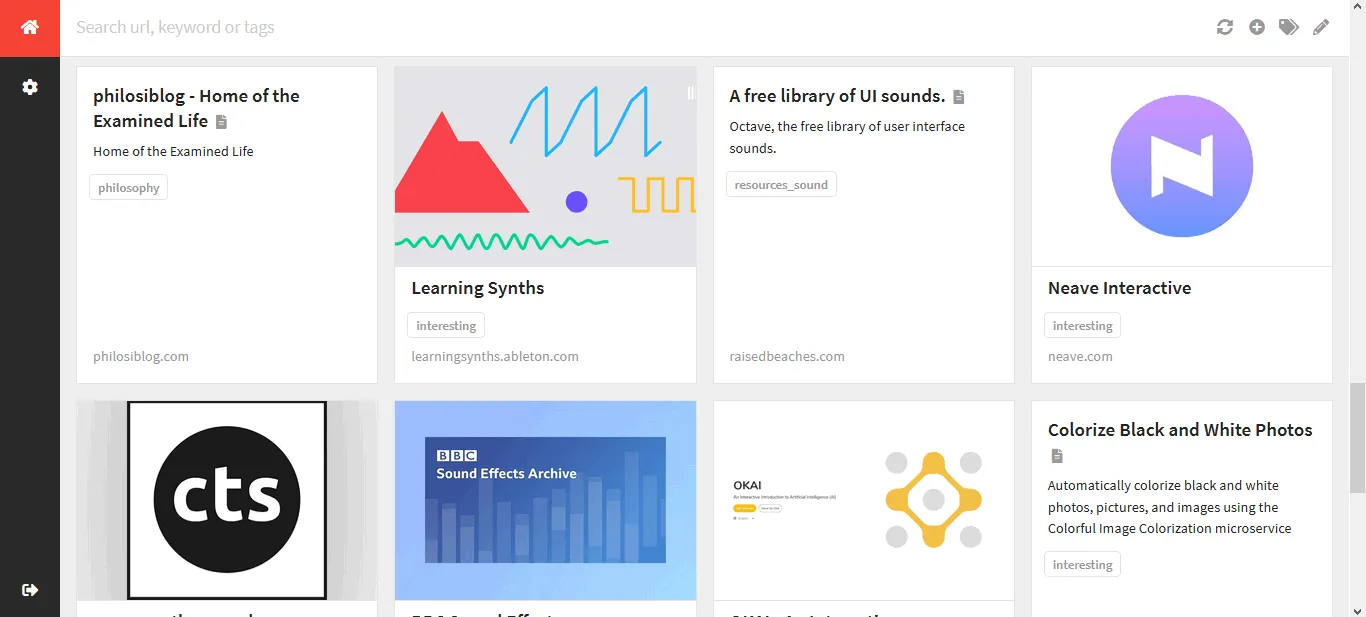
It’s written in Go and I’ve totally no idea about it. It’s interface is what made me directly fall for Shiori instead of going for the CLI based python tool - buku.
You don’t have to install the tool, just download the required binary from their github page, add that location to your PATH variables. Then simply run shiori serve
You can then use the web interface at http://localhost:8080/login
⚠️The default account is shiori with password gopher. It is removed once another ‘owner’ account is created and unfortunately this piece of information was buried deep in the documentation. So setting it up for the first time was a bit cumbersome. It was all worth it in the end. I sorted and tagged each and every link and my trimmed down bookmark list looked neat. 😁
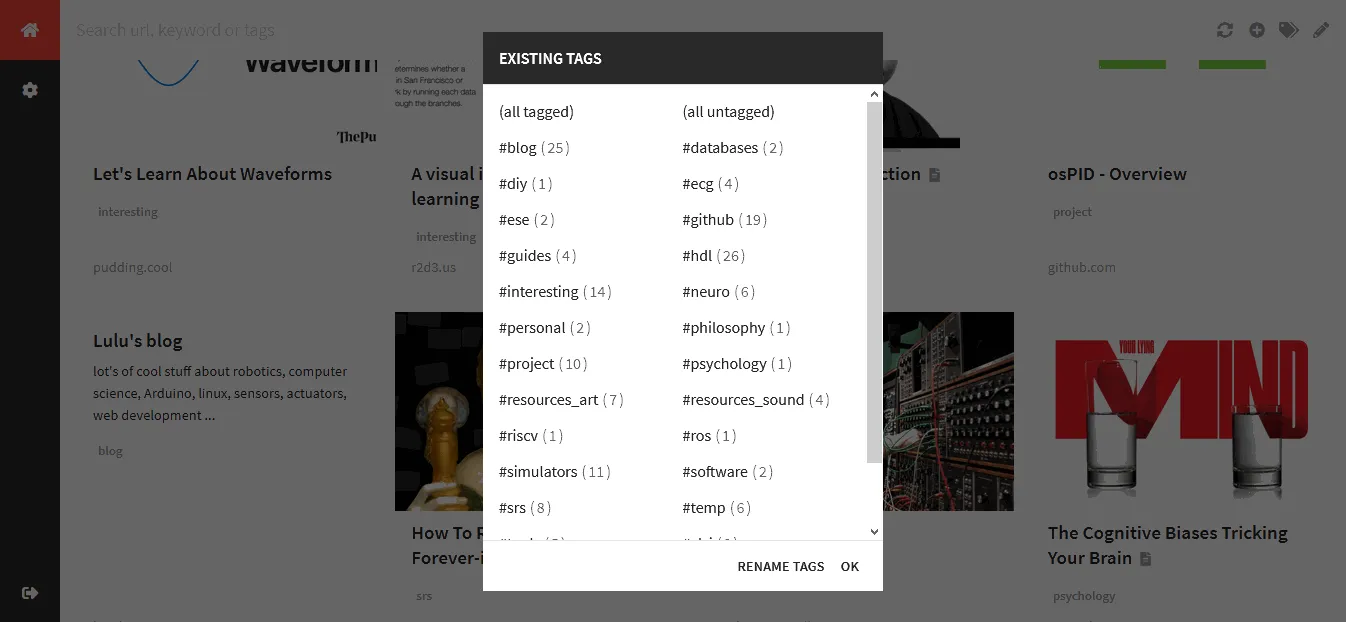
It uses an sqlite3 database so if at all development on Shiori stops, I at least have all my data in a standard database format. It can import bookmarks and it also apparently has a Firefox and Chrome extension. Moreover, if you set it up to run at startup then you have full-fledged bookmark manager.
💡 Tip: If you plan to keep a backup of your shiori database on Windows it’s located at %LOCALAPPDATA%/shiori I changed the default directory so that I can always keep a backup.
Comments